
Spatial design studio · Meta Quest & browser
Imagine it.
Build it.
Shape it in space.
Describe a room or a building. Receive a measured 3D layout. Refine every part — then walk through it at real scale before anything is built.
- Scale
- 1 : 1Every part measured in metres
- Input
- HandsPinch, grab and resize on Quest
- Changes
- ReviewedNothing applies without you
- Access
- OpenNo account needed to create
01 — New project
What are you building?
A studio flat, a clinic, a two-storey house. Write it the way you would explain it to an architect.
02 — The studio
A workbench, not a toy.
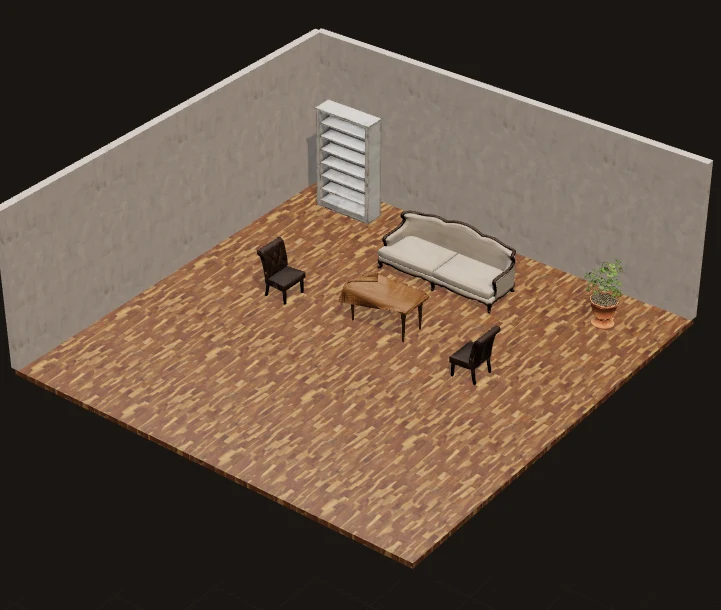
- 01Model stays centre stage, tools stay at the edge
- 02Exact dimensions, materials and finishes per part
- 03Undo, redo and autosave on every change
- 04Projects kept on this device; Cloud history when signed in

03 — Real scale
Walk it before it exists.
Put on a Quest and the layout opens at true size. Walk the room, teleport across it, and reach out to move a chair or resize a table — seated or standing.
- Seated-firstControls stay central and within reach
- Right or left handChoose your primary hand in settings
- Honest fallbackUnsupported features are labelled, never faked
04 — Process
From a sentence to a place.
- 01
Brief
Describe the space in your own words — its purpose, who uses it, the materials you have in mind.
- 02
Layout
Receive a measured proposal with walls, openings and real furniture. Review every change before it is applied.
- 03
Refine
Move, resize, recolour and lock parts on screen, then step inside and adjust them with your hands.