VOXELMIND XR / ROOM DESIGN
3D Room Planner
Arrange a room before you step inside. Start with a blank space or a ready layout, place furniture and adjust each part using real-world dimensions.
Place and align furniture
Select objects in the viewport or scene list. Change their position, size, rotation and colour. Measurement guides, floor-grid snapping and overlap warnings help with alignment. Sofas, tables and chairs use textured CC0 models; other parts still use simplified geometry.
Describe changes, then review them
Live AI turns your description into proposed layout changes. Edit with AI accepts typed or recorded instructions. Review and apply the changes you want; unspecified dimensions are estimates, and nothing moves automatically.
Explore at real size
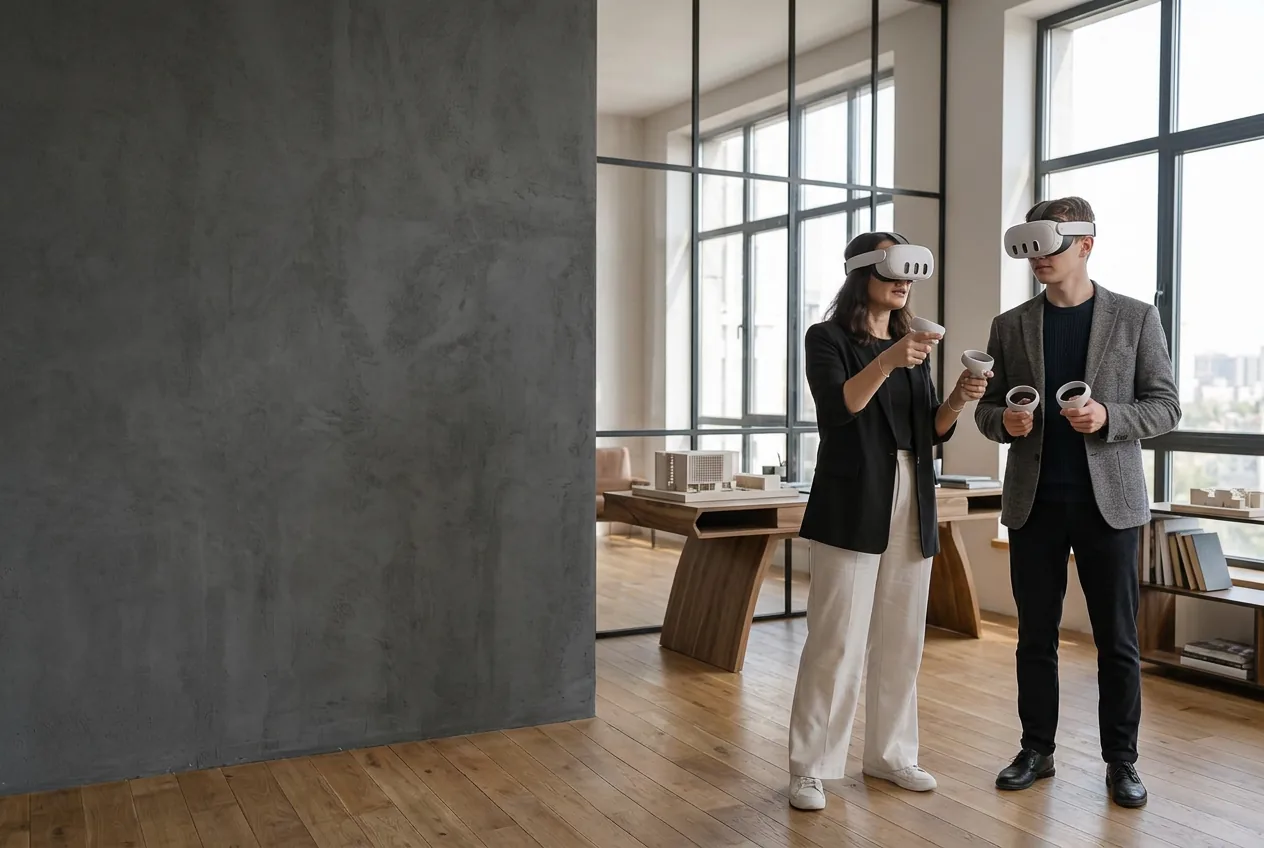
Enter VR is available when your browser reports immersive WebXR support. The walkthrough uses metre-based scale, headset-tracked movement and clear-floor teleport targets. Stay within your cleared boundary.
Keep your room layouts
Sign in to save private projects and open them on another device using the same account. Saved versions remain in History. Export downloads the scene as JSON. Not construction-ready CAD or a photorealistic simulation; unspecified dimensions are estimates.
Read the getting-started guide